
Everything MeterX does
These are the real extension pages running on this site with sample data. Click around: nothing here touches your own results.
History, trend and your plan
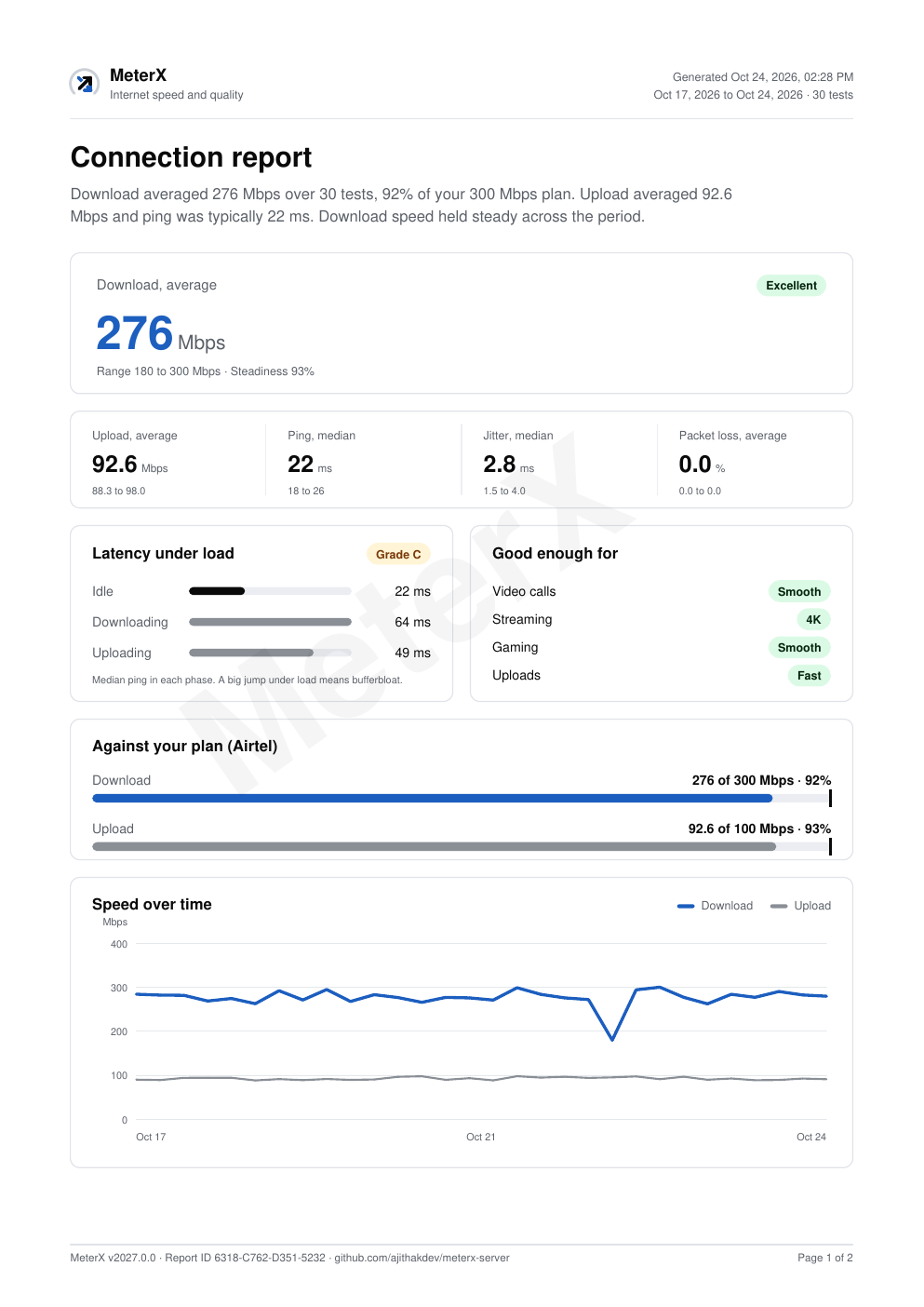
The side panel keeps up to 200 results, charts them, and compares the averages with the speeds you pay for.
- RangesThe last 24 hours, 7 days, 30 days or everything.
- Against your planWhat share of the advertised download and upload actually arrives.
- Run a test from hereThe panel switches to live figures while a test runs, then back to your history.
- ExportTry it: the PDF, CSV and JSON buttons download real files made from the sample data.
Reports you can hand to your provider
A PDF with averages, ranges, a trend chart and every result. Each page carries a report ID that changes if any figure is edited.
- CSVOne row per test, units in every column name, local time next to UTC. Opens straight in Excel.
- JSONThe same fields plus a summary, with a versioned format for scripts.
Settings, schedule and your own server
Choose the test server, enter your plan, and run tests on a timer with a notice when quality drops to Poor.
The settings page, with sample settings. Saving here changes nothing on your device.
Private by design
- No accountInstall it and press the icon. There is nothing to sign up for.
- Results stay in your browserUp to 200 results in the extension's own storage, and nowhere else.
- No logs on the serverThe test server sends and receives test bytes and keeps nothing.
- Open sourceEvery line is public under AGPL-3.0. Read the code.